Delete Your YoPips Account

Special DealJoin our Discord to get 30% OFF
Account
Support Documentation

Account Deletion

Delete your YoPips account directly inside the app by following the secure in-app steps below.

In-app deletion6 clear stepsPassword confirmation

How to delete account in app

Guided visual walkthrough

Each section below pairs the real app screen with the exact actions needed to complete the deletion request securely.

3
Screens
6
Steps
1
Request

Start Here

Open the app and access your account

Launch YoPips, sign in, and move to the account area from the bottom navigation before starting the deletion flow.

  1. 1

    Open YoPips app

    Open the YoPips app on your mobile device.

  2. 2

    Login to your account

    Sign in with the account that you want to delete.
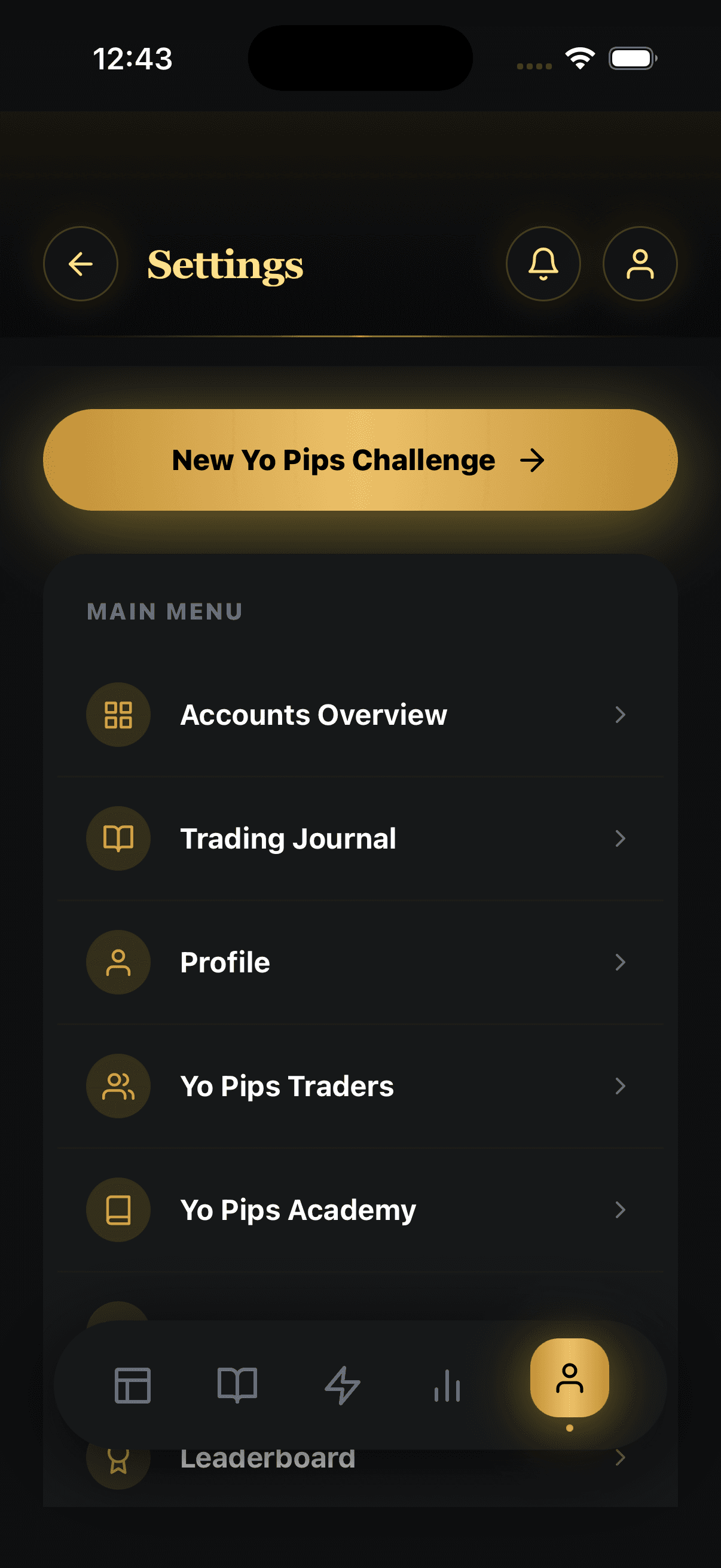
Profile viewYoPips app
YoPips app main menu with the profile tab highlighted

Settings

Find the delete option inside Settings

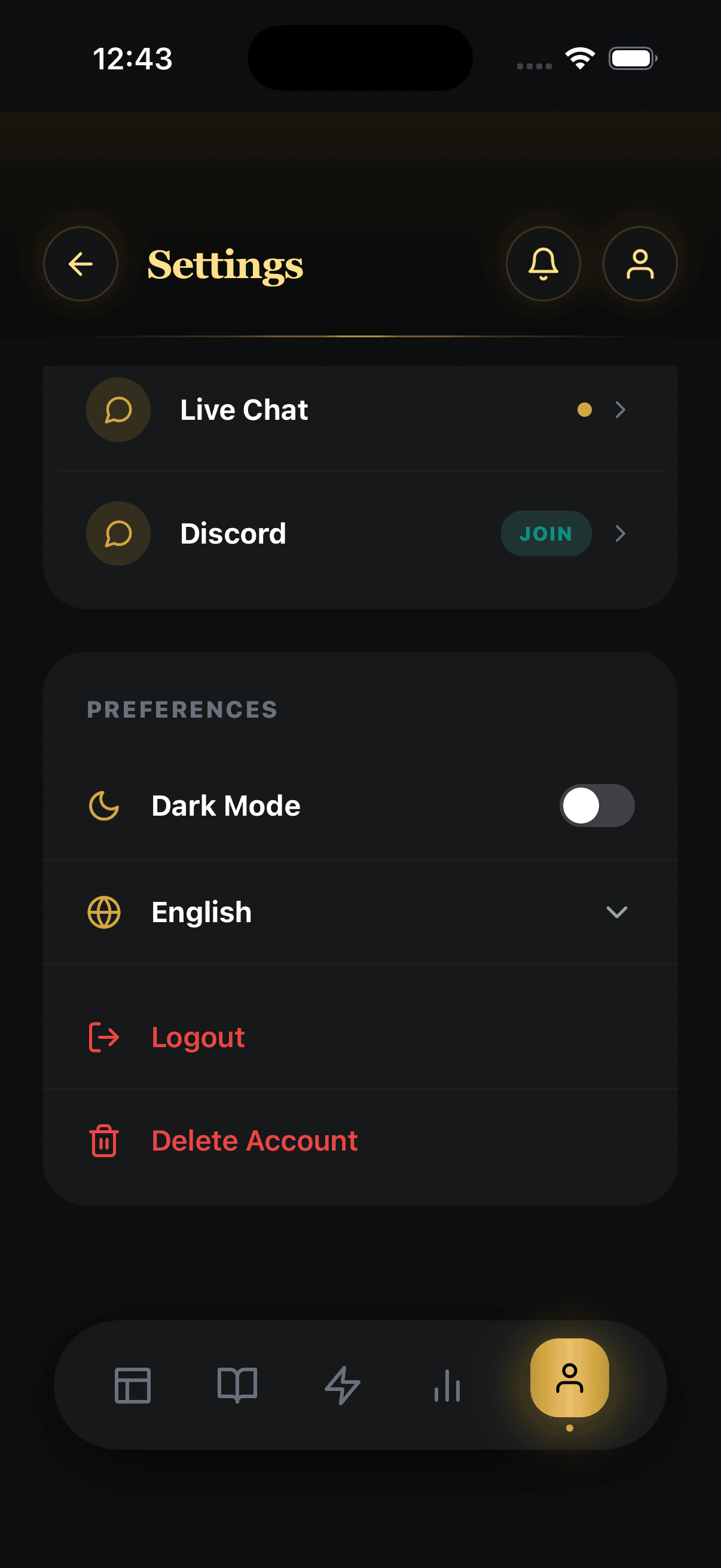
Open Settings and go to the account actions area, where the Delete Account option is shown in red for clarity.

  1. 3

    Go to Settings

    Open the Settings section from your account menu.

  2. 4

    Tap Delete Account

    Select the Delete Account option inside Settings.

Settings screenYoPips app
YoPips settings screen with Delete Account visible

Confirmation

Verify with password and submit the request

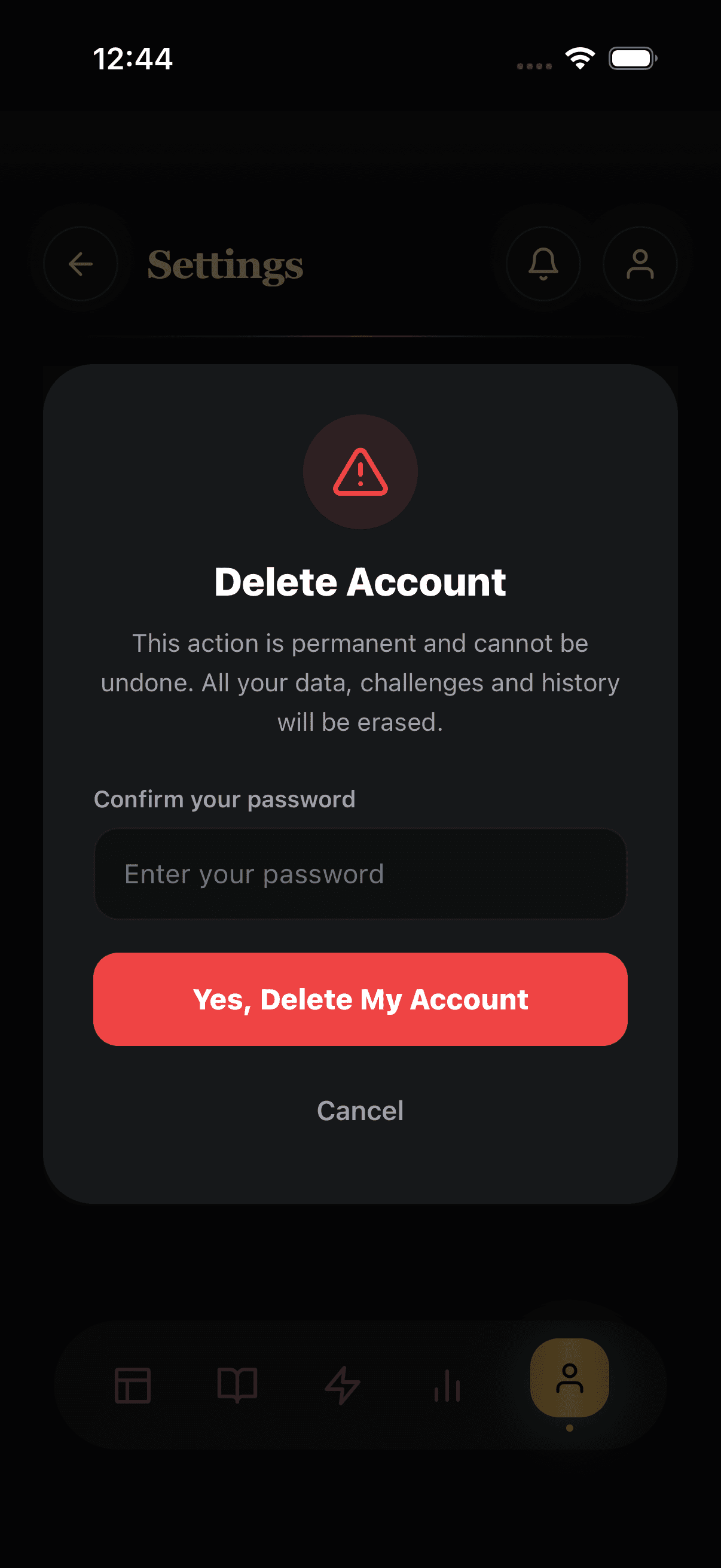
YoPips asks for your password before the deletion request can be completed, helping prevent accidental or unauthorized removal.

  1. 5

    Enter password

    Enter your password to verify the deletion request.

  2. 6

    Confirm deletion request

    Tap the confirmation action to submit your account deletion request.

Delete confirmationYoPips app
YoPips delete account confirmation modal with password field